MAPublisher LabelPro

MAPublisher LabelPro - Automated and advanced cartographic labeling for MAPublisher
Collision-free, rule-based
text placement for MAPublisher

MAPublisher® LabelPro™ offers advanced labelling capabilities beyond those available in the standard MAPublisher Feature Text Label and the MAP Tagger Tool, including a sophisticated and user-friendly rule-based and collision-free placement engine.

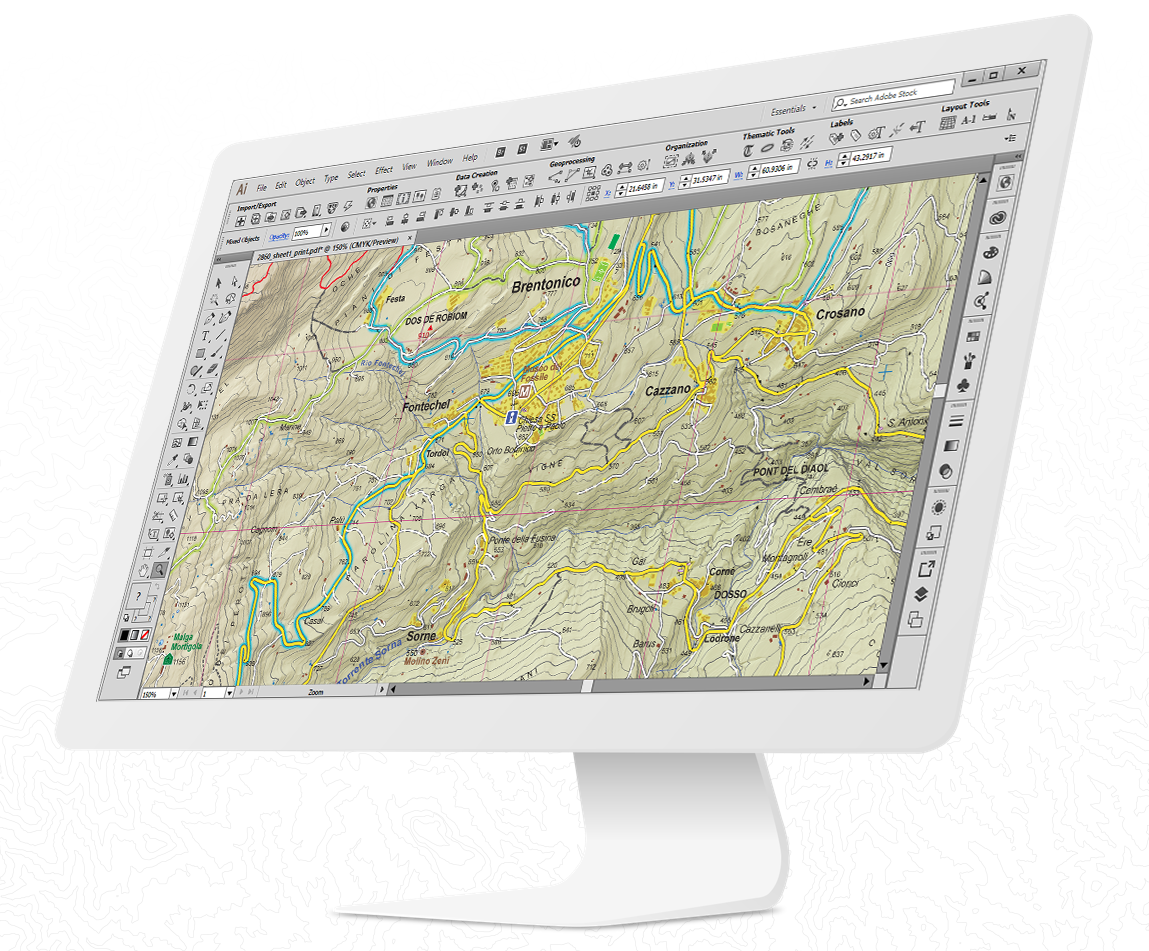
MAPublisher LabelPro screenshot

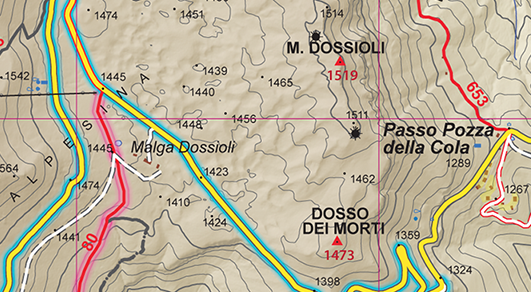
The MAPublisher LabelPro engine contains sophisticated algorithms that solve many of the most common map labelling problems such as complex conflict resolution across multiple layers, the ability to specify data as obstacles and the ability to create complex labelling conventions using user defined rules.

MAPublisher LabelPro uses map attributes, rules and styles for labelling which provides a great level of sophistication and control. Map layers may be assigned an order of priority for labelling and set as label obstacles. Labels can be placed on any defined text layers, unplaceable layers can be ignored or placed. Placement rules and styles can be saved to a file and imported or shared over a network.

Users can use the following rules and placement options to place the text on their maps:


Feature Highlights


Before labelling, specify which MAP Layers are to be labelled and which layers will be denoted as obstacles. Obstacles are map objects that are included in the conflict resolution decision making process and are considered objects that must be avoided when trying to place a label. The Setup Layers dialog box displays all valid MAP Views and their MAP Layers in the document.

Configuration

MAPublisher LabelPro provides users with an intuitive graphical interface for setting up labelling rules. Each Point, Line and Area rule dialog box has numerous label placement options for a high level of label detail and a variety of configurations. Pre-defined default rules are a good starting point out of the box, however customization can make your labelling even better.

Customize label rules

Maintain label consistency with MAPublisher LabelPro styles. Customize label sizes, fonts and colour. Line styles may also include symbols such as road or highway shields. Save style files and share them to maintain consistency across multiple user projects.

Customize label styles

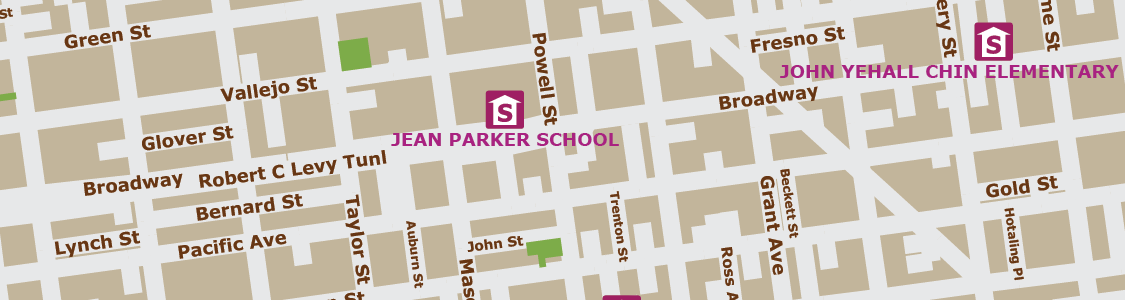
Verify that labels were successfully placed in accordance to the MAPublisher LabelPro configuartion—and placed in either Destination or Supression layers. If no Suppression layer is available, non-compliant text is ignored and is not generated. Once placed, the labels are considered standard text and may be modified using Adobe Illustrator or MAPublisher operations.
Suppress labels

 
Products Download Support Purchase About Us


Follow us on Twitter

MAPublisher
MAP LabelPro
Spatial Database
Geographic Imager
MAPdata
MAPdataCanada
MAPdataUSA
MAPdataWorld
MajorCitiesUSA
MAPublisher
Geographic Imager
MAPdataCanada
MAPdataUSA
MAPdataWorld
MajorCitiesUSA
User Guides and Tutorials
User Forums & FAQ
Training Courses
Contact Support
Product Activation
Retrieve License Key
Renew Maintenance
Maintenance Login
Order by Phone
Order by Fax
Order by Email
Order Online
Direct Download
Resellers
History
Careers
Contact
News
Events